cd ~/store/proxy-domains
Proxy Domains
Let customers put their own domain, with HTTPS, on the map, dashboard or web panel running on their Pterodactyl server.
 Pterodactyl addons
Extension
v1.0.0 Pterodactyl 1.11, 1.12 2 sold
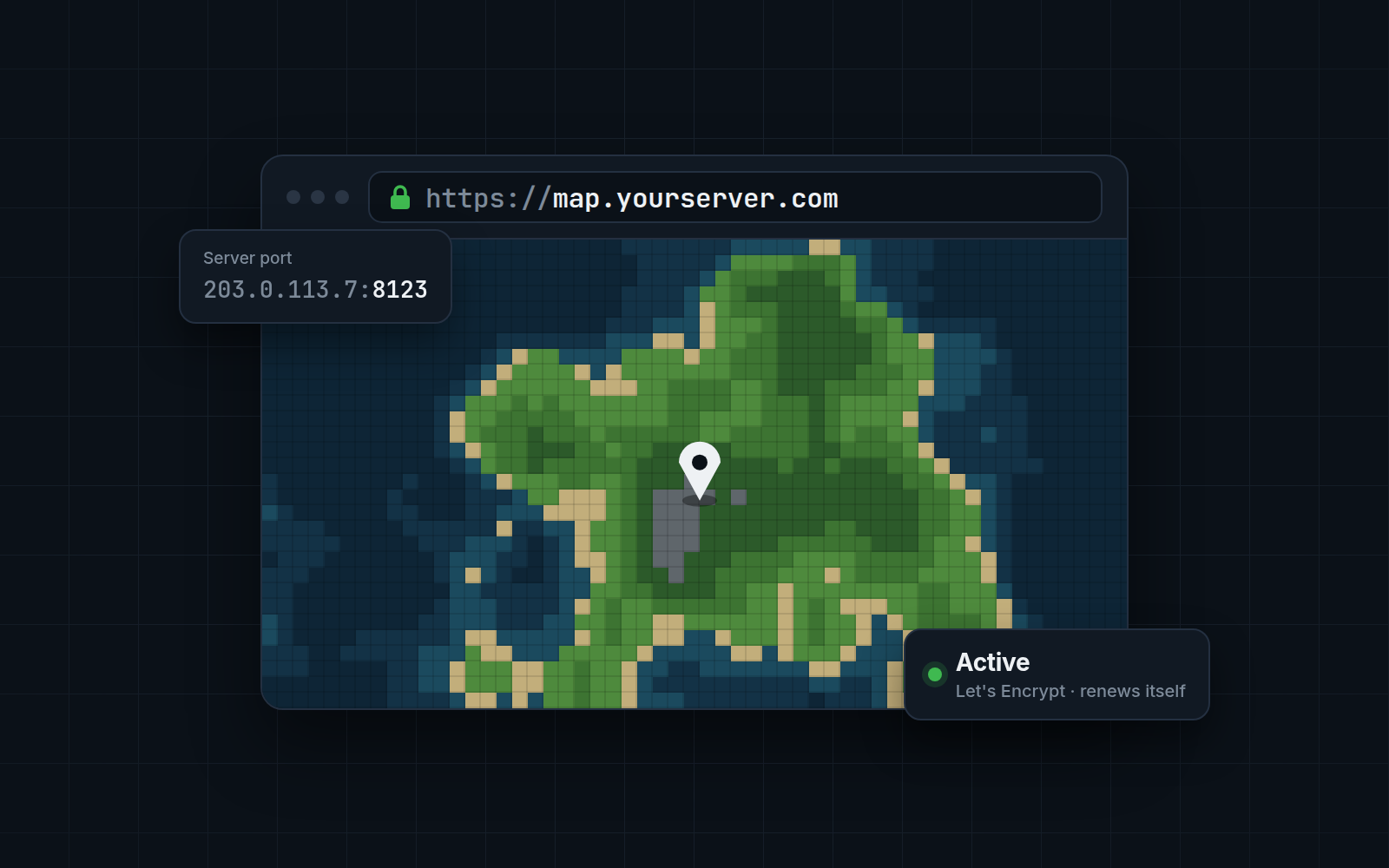
Game servers often run a web page next to the game: a Dynmap or BlueMap, a server dashboard, a bot's web panel. Players reach it at 203.0.113.7:25570, which is hard to remember and has no HTTPS. This addon lets your customers put their own domain in front of it, like map.example.com, with HTTPS set up for them, straight from the panel.
What your customers get
- A Domains tab on every server, next to Console, Files and Network
- Add a domain, pick which of the server's ports it opens, and choose how HTTPS works:
- Let's Encrypt: a free certificate, renewed automatically
- Cloudflare: for domains behind Cloudflare's orange cloud
- Own certificate: paste a certificate and key, for example a Cloudflare Origin certificate
- No HTTPS: plain HTTP, for quick tests
- Live status that goes from Setting up to Active in seconds, with the exact error shown if a certificate fails
- Optional ownership check with a TXT record
- Subuser permissions for viewing, adding and removing domains
What you control
- Which nodes offer domains, and how many domains each server may have
- A list of blocked domains (each entry also blocks its subdomains). Your panel and node hostnames are always blocked.
- Health and Test nginx buttons for every node, and a list of every domain across the panel, where you can retry or remove any of them
Works with any theme
It adds the Domains tab without editing your theme or rebuilding the panel's frontend, so it keeps working with custom themes and survives theme updates. If a theme hides the server's tab bar, a floating Domains button appears instead. Wings is not modified either.
Built to be safe on a shared node
- A domain can only point to a port that server owns. When that port is removed, or the server is deleted, its domains are taken offline automatically.
- The node agent refuses any domain that another website on the node already uses, so nobody can take over your panel or other sites.
- Every change is checked with
nginx -tbefore nginx reloads, and a failed check puts the previous files back. - Domains are checked against a strict pattern on both the panel and the node, and no customer input ever reaches a shell.
- Let's Encrypt is rate-limited per node and per domain, so you never hit Let's Encrypt's own limits.
How it's built
There are two parts. The panel addon goes into your Pterodactyl folder and adds the API, the tab, the permissions and the admin page. A small node agent (Python, no extra packages) runs on each Wings node, writes the nginx site for each domain and handles certificates. When the panel and a node are on different machines, the agent runs over HTTPS and only accepts connections from your panel's IP.
Setup
You need Pterodactyl 1.11 or 1.12, and on each node nginx, certbot, and ports 80 and 443 free.
1. On the panel, unzip into your panel folder and run the installer:
cd /var/www/pterodactyl
unzip -o ProxyDomains-v1.0.0.zip
sudo bash proxy-domains/install.sh
It backs up config/app.php, registers the addon, creates two tables and restarts the queue worker. It doesn't overwrite any Pterodactyl file.
2. On each Wings node, copy the proxy-domains/node-agent folder over and run:
sudo ./install-agent.sh 127.0.0.1 8095
If the panel is on another machine, use the node's public IP instead, with TLS and your panel's IP:
sudo TLS_CERT=/etc/letsencrypt/live/node1.example.com/fullchain.pem \
     TLS_KEY=/etc/letsencrypt/live/node1.example.com/privkey.pem \
     ALLOW_FROM=YOUR_PANEL_IP ./install-agent.sh NODE_IP 8095
3. In Admin → Proxy Domains, paste each node's agent URL and token, tick Enabled, and press Health.
The full guide is in proxy-domains/README.md inside the download. It covers separate panel and node machines, nodes that renew their own certificates with certbot --standalone (this must be switched to webroot first, or the node's certificate stops renewing), updating, uninstalling and troubleshooting.
Specifications
- CATEGORY
- Pterodactyl addons
- TYPE
- Extension
- VERSION
- 1.0.0
- RUNS ON
- Pterodactyl 1.11, 1.12
- NEEDS
- Pterodactyl 1.11 or 1.12, plus nginx and certbot on each Wings node with ports 80 and 443 free
- SIZE
- 44 KB
- LICENSE
- No key needed
- DOWNLOADS
- 5 per purchase
- UPDATED
- MADE BY
- Utkarsh Samdani
What's new in 1.0.0
First release.